Help · Sharing a form
Share the link, or put the form on your own site
The link, its preview, four ways to embed, and your own domain.
The Share tab has the form's link with Copy and Share buttons. Pasted into WhatsApp, Slack or a social post, the link shows a preview with the form's title, its description and the cover picture.
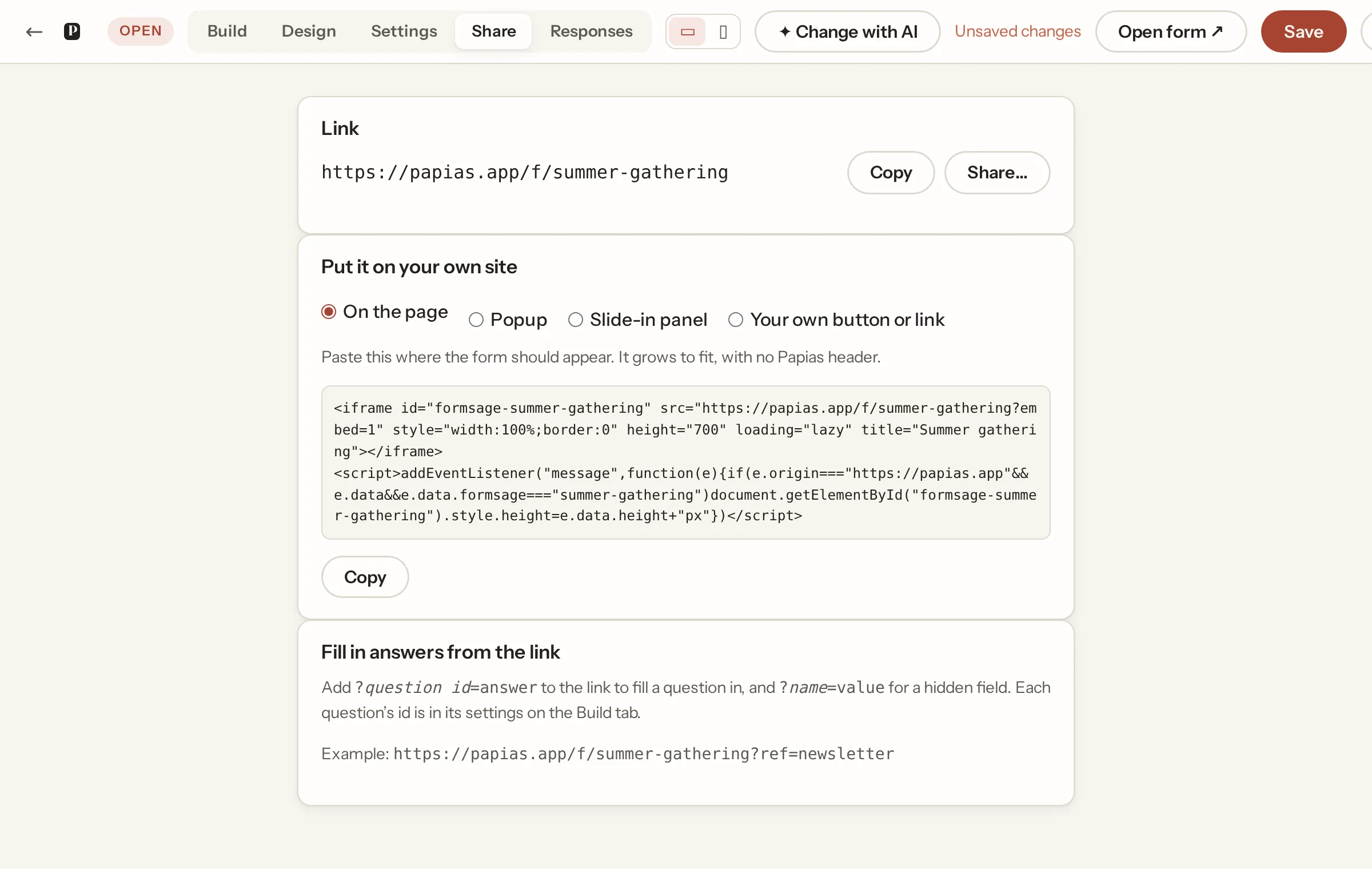
On your own site
Four ways, each a snippet to paste:
- On the page: an iframe that sizes itself to the form.
- Popup: a floating button that opens the form over the page.
- Slide-in panel: the same from the side.
- Your own button or link: any link to the form, or any element marked
data-papias="your-form", opens it in the popup instead of leaving the page.
The popup and panel take the button's text, colour and side, and can open by themselves after a number of seconds, once per visitor. Try it here shows the popup on the builder page itself. The script is one tag, served from a fixed address, so a pasted snippet never goes stale.
A QR code for a poster
The Share tab has the form's QR code, on every plan. Download SVG to print it at any size (a poster, a flyer, a table card) or Download PNG to put it in a document or a slide. A phone's camera opens the form from it, no app and no account needed. It holds the form's link, which never changes when you edit the form, so a printed code keeps working; once your own domain is live, the code uses it. Print it at least 2.5 cm wide and keep a white margin round it.
Your own domain (Pro)
On the workspace page, Your own domain: enter a host like forms.yourclub.ie, add a CNAME record pointing it at papias.app with whoever runs your domain, and within a few minutes of the record being visible the form links use that address with their own certificate. Only the forms are served there; everything else stays on papias.app.
Not what you were looking for? Ask us, and we'll answer and fix the page.