Help · Getting started
Turn a paper form into a Papias form
Photograph the paper form with your phone, or scan it, and the builder reads it into questions you can edit.
You have a paper form, a PDF you print, or a Word document people fill in by hand: a membership form, a booking sheet, a consent form. Papias reads a photo of it and makes it a form you can edit and share.
Take the photo
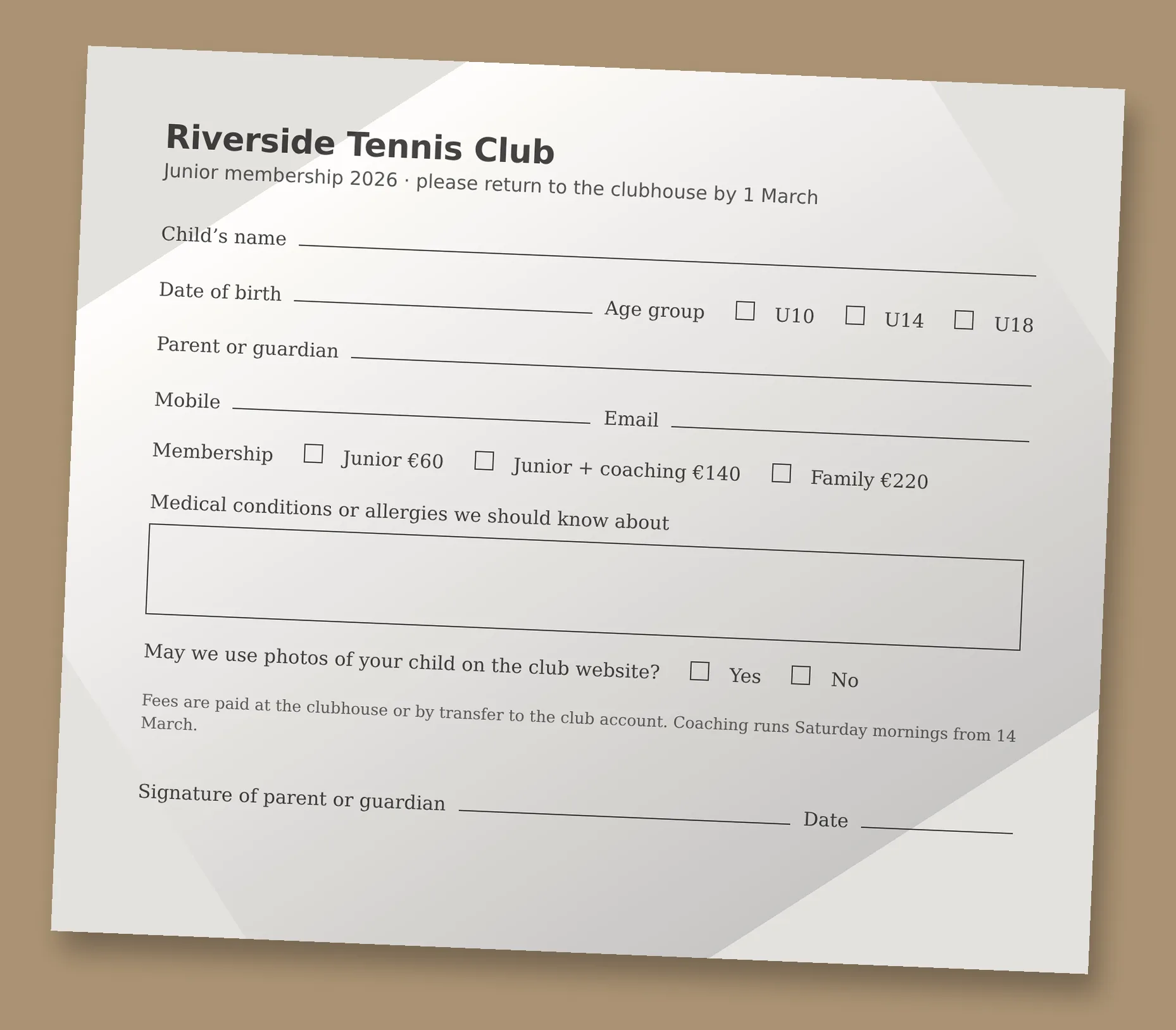
Open a new form in the builder and press Photo of a paper form in the AI box (on a phone it's the ✦ button). Take a picture with the camera, or pick one from your photos or a scan from your files: up to four pictures for a form that runs to several pages. Straight on and in good light works best; a slight angle is fine. Add a note if it helps ("it's for under-12s, the parent fills it in").
What comes back
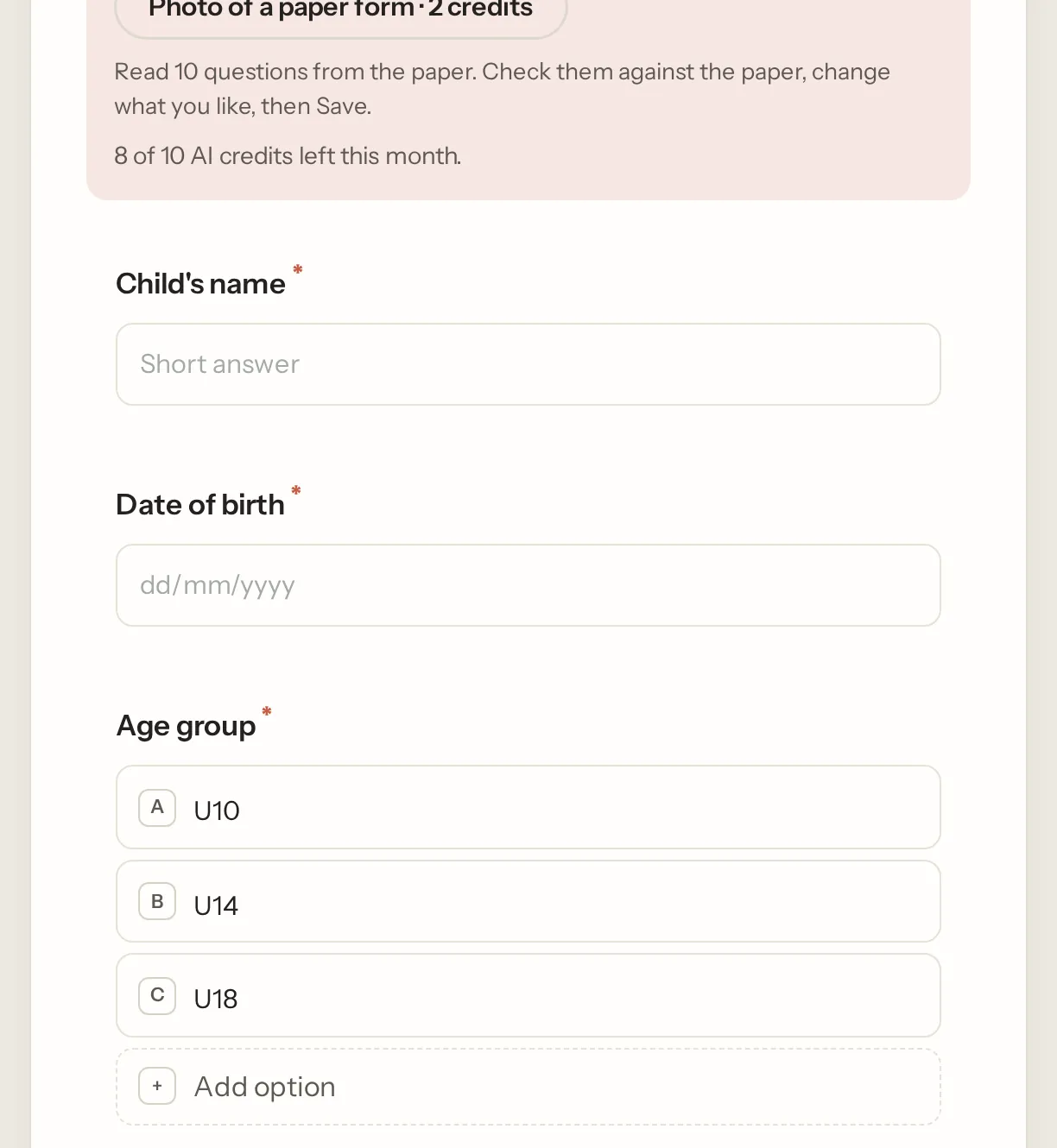
The questions, in the order they are on the paper, each as the kind that fits: a name as Short answer, a date of birth as Date, tick boxes as Checkboxes or Multiple choice, a signature line as Signature. Anything that only makes sense on paper (office use only, a signature box for the organiser) is left out. The draft lands on the canvas with Undo, so read it against the paper, fix what needs fixing, and Save.
What it costs, and where the photo goes
A photo read is two AI credits (Free has 10 a month, Pro 200). The picture is made smaller on your device, sent to the model once to read, and stored nowhere. See Draft a form with AI for the credits and for changing the form in words afterwards.
Not what you were looking for? Ask us, and we'll answer and fix the page.