Help · Building a form
Pages, and one question at a time
Split a long form into pages, or show one question per screen.
Pages
Add a New page block where a page should start. Its text is the page's title. The person sees one page at a time with Next and Back, a thin progress bar at the top and "Page 2 of 4" under the title. A page whose questions are all hidden by conditions is skipped. If the form comes back with a mistake, it opens on the page with the first one.
One question at a time
The Design tab's Layout has "One question at a time", the format Typeform made familiar: each question on its own screen, Enter or OK goes on, a single choice moves on by itself, questions hidden by conditions are skipped, and a heading or picture block says "Continue". Page breaks are ignored in this layout. A repeating group is one screen per item.
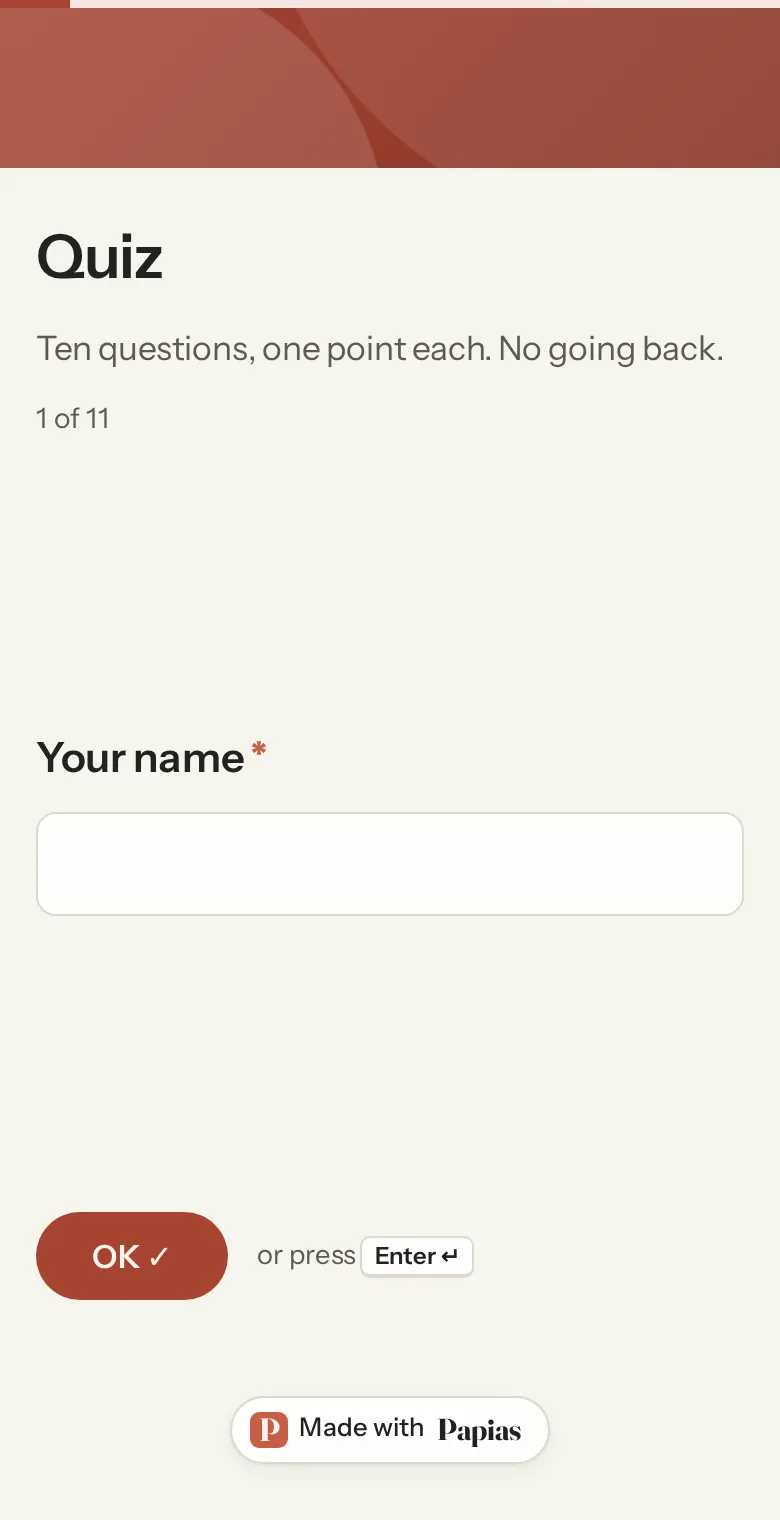
Mistakes are caught on the question they belong to, with the same wording as our own check, so the person is never sent back to the start.
Without JavaScript
Everything shows on one page and still works; the checks all happen on our side anyway.
Not what you were looking for? Ask us, and we'll answer and fix the page.